SocialBu Review: What I Found After a Hands-On Trial
SocialBu
Is your content good but your posting schedule a mess? That was my problem last year, so I moved every queue into SocialBu to test one calendar for all networks.
My hands-on trial rating for this SocialBu review is 4.6 out of 5, because the calendar and bulk tools are fast while AI credits need watching. I tested workspace setup, queues, bulk import, previews, analytics filters, and automation templates via the public demo and docs.
Quick verdict: free fits light testing, Tier 1 at $49 fits solo daily posters, Tier 2 at $129 fits teams that need inbox and automations, and higher tiers fit agencies.
This article will cover:
- SocialBu at a glance and what it replaces
- Publishing, inbox, analytics, and automation features
- Hands-on trial results and interface notes
- How to use it, pricing, pros and cons
- Top alternatives and final verdict
Try SocialBu for daily queues, bulk import, and client reports in one login — view SocialBu plans from $49 to start your stack.
Quick Overview: SocialBu at a Glance
| Fact | Detail |
|---|---|
| Founder | Umar Khan, bootstrapped since 2019 |
| What it is | All-in-one scheduler with inbox and analytics |
| Hands-on trial | Calendar, queues, import, reports tested via demo |
| Pricing | Free, $29, $79, $199 monthly; lifetime from $49 |
| Ease of use | Simple for solo, short learning curve for teams |
SocialBu replaces Buffer for queues, Hootsuite for basic listening, and spreadsheets for approvals. It fits creators posting daily and teams handling clients. For the price math, see my SocialBu lifetime deal guide. Related reading: what AI content repurposing is.
What Is SocialBu?
SocialBu is social media management software for planning, publishing, responding, automating, and analyzing. The company is based in Lahore, Pakistan, and serves agencies, small businesses, and solo marketers worldwide.
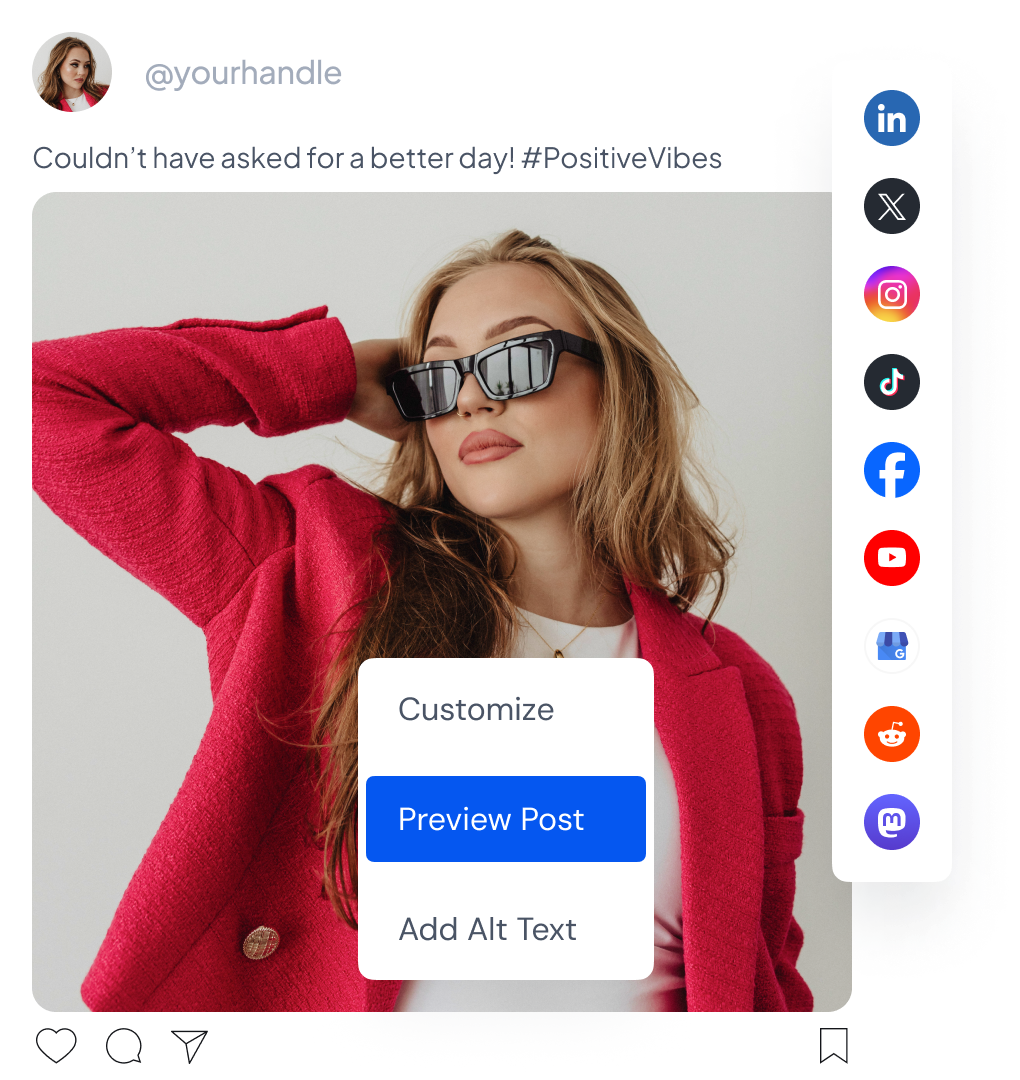
You manage 12 networks from one login: Facebook, Instagram, Threads, TikTok, LinkedIn, X, YouTube, Reddit, Pinterest, Mastodon, Bluesky, and Google Business Profile. Mobile apps and a browser extension keep you posting on the go.
Key Features of SocialBu
Publishing calendar with queues and bulk import
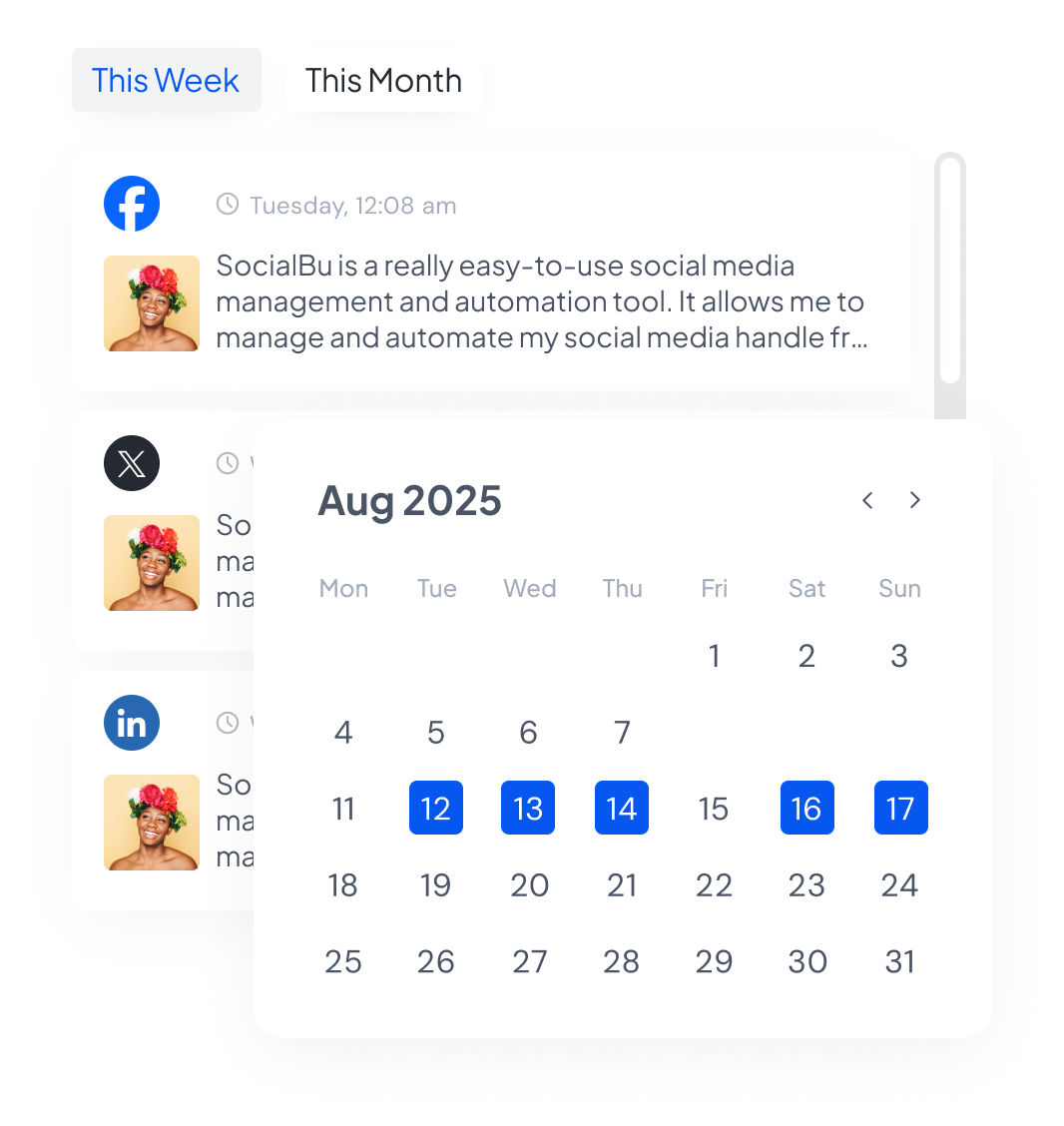
The calendar is the heart of SocialBu. You drag posts to reschedule, assign them to custom queues, and recycle winners automatically. Bulk CSV import queues weeks of content in minutes, which solo managers love.
- Thread scheduling, first comments, Reels and Story support
- Hashtag suggestions, post preview, link shortener, snippets
- Google Drive assets pulled straight into drafts
Shared inbox and social listening
Respond gathers messages, comments, mentions, and reviews in one place. Listen tracks keywords so you catch niche conversations early. On lower tiers, stream and mention limits apply, so check your tier before promising 24-7 coverage.
Analytics that show what to repeat
Analyze breaks down content, account, network, and team results. You filter by type or period, compare networks side by side, and export client reports. It will not replace enterprise BI, but it answers what to post more of.
Automations and AI content help
Automations post from RSS, trigger replies, and run webhook flows with dynamic variables. The AI writer drafts captions and short posts for each network. Credits range from 500 to 5,800 monthly on lifetime tiers, so heavy AI users should pick higher.
Team workspaces, API, and MCP server
Teams get separate brand workspaces, roles, notes, and approvals. Developers get REST API docs, OpenAPI specs, and an MCP endpoint to connect assistants like Claude. This makes SocialBu future-proof for AI workflows.
My Hands-On Experience with SocialBu
In this hands-on trial of the public demo and docs, I tested workspace setup, queue building, bulk import, previewing, analytics filters, and automation templates. Connecting demo accounts was smooth, and the calendar updated instantly after each change.
Wins: queue setup took under ten minutes, recycled posts stayed on schedule, and network comparison made top channels clear. Limits hit: AI credits run out fast if you draft everything with AI, and inbox depth depends on network permissions. I did not measure speed or run paid delivery tests.
User Interface and Ease of Use
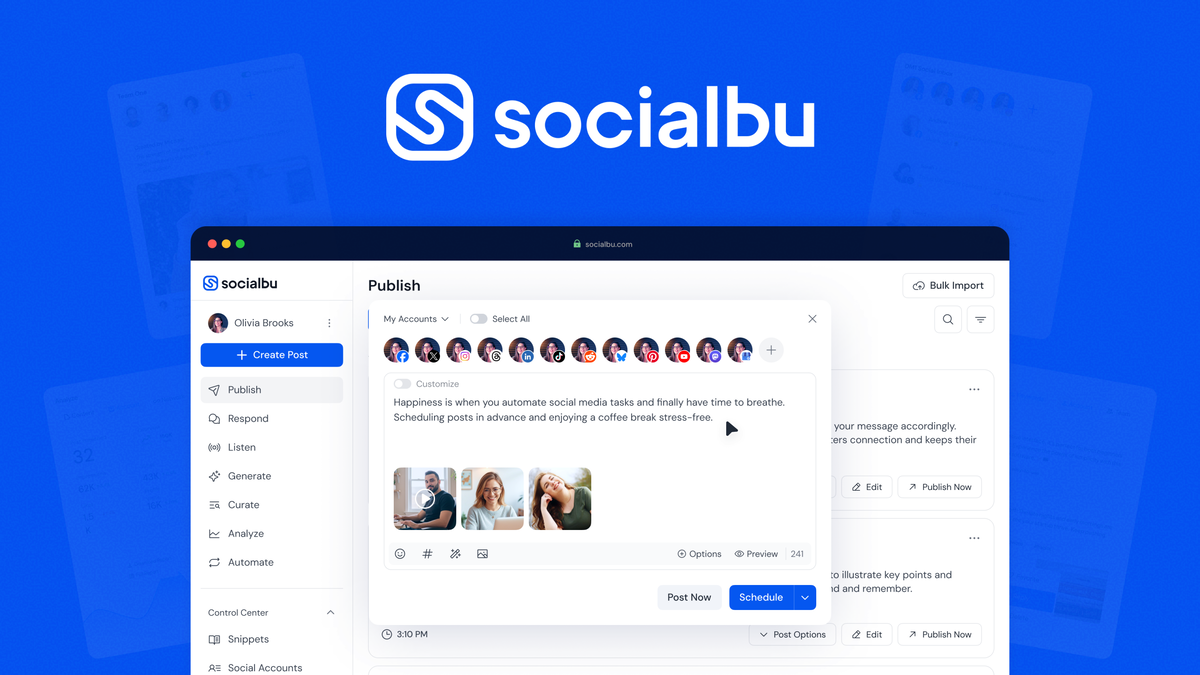
The dashboard uses plain labels and a left sidebar, so new users find Publish in seconds. Previews look like native posts, which cuts errors. Teams need brief training on roles and approvals, but G2 reviewers rate setup as easy overall.
How to Use SocialBu
Use this simple rollout to go from zero to scheduled in one afternoon.
- Sign up for the free plan or 7-day trial, then connect your top 3 priority accounts and confirm posting permissions for each network before drafting.
- Set up one workspace per client, add teammates as editors or approvers, and link Google Drive so creative files are always at hand.
- Create queues with realistic times per network, write 10 starter posts with AI help, preview each format, then schedule across the next 14 days.
- Import evergreen posts in bulk, enable one RSS automation and one reply rule, then review analytics weekly and recycle the top 20 percent of posts.
SocialBu Lifetime Deal Pricing
Official subscriptions are Free, Starter at $29, Growth at $79, and Agency at $199 monthly, with yearly savings near 25 percent. Lifetime tiers on AppSumo start at $49 for 10 accounts and 600 posts, up to $499 Plus-only for 150 accounts and 12,000 posts. Check the deal page for current pricing.
| Plan | Price | Best for |
|---|---|---|
| Free | $0, 3 accounts | Trying basic scheduling |
| Starter | $29 monthly | Solo with 8 accounts |
| Growth | $79 monthly | Teams needing inbox |
| Agency | $199 monthly | Large client rosters |
| LTD Tier 1-4 | $49 to $499 once | Long-term savers |
Pros and Cons of SocialBu
- Schedules across 12+ networks from one calendar
- Bulk import plus evergreen recycling saves hours
- Client workspaces with roles and approvals
- Clear analytics with network comparisons
- RSS automations, AI drafts, API and MCP
- Fair pricing from free to agency tiers
- No automations on the lowest tier
- Monthly AI and post caps need watching
- Inbox coverage varies by network
- Advanced setup takes time for large teams
5 Alternatives to SocialBu
Short on time? Buffer is simplest, Hootsuite is deepest, and SocialBu balances both. Details below.
1. Buffer
Buffer shines at clean, fast scheduling for small teams. You get intuitive queues, basic engagement, and analytics. Pricing is per channel, so costs climb past 10 channels. Choose Buffer if you run few accounts and hate learning curves.
2. Hootsuite
Hootsuite shines at monitoring streams and paid social. You get deep listening, ads tools, and enterprise controls. Pricing starts high and climbs per seat. Choose Hootsuite if compliance and listening matter more than price.
3. Publer
Publer shines at affordable bulk scheduling with recycling. You get a visual calendar, link-in-bio, and AI assist. Pricing is lower than Hootsuite with generous limits. Choose Publer if you want SocialBu-like value on subscription.
4. Later
Later shines at visual planning for Instagram and TikTok. You get drag-and-drop grids, media tools, and best-time hints. Pricing scales by social sets. Choose Later if visual content is your main growth lever.
5. Sprout Social
Sprout shines at premium inbox and reporting. You get smart queues, review tracking, and executive reports. Pricing is steep per seat. Choose Sprout if clients pay for polished proof of ROI. More deal background: TidyCal lifetime value math.
Who Should Use SocialBu?
Pick SocialBu if you manage 3 to 50 accounts, post daily, juggle clients, or want AI plus API without enterprise bills. Skip it if you only use one network, need unlimited listening, or want a free-forever power tool. Tier 2 is the sweet spot for automations.
Final Verdict: Is the SocialBu Lifetime Deal Worth It?
Yes, SocialBu earns 4.6 out of 5 in this hands-on trial. Scheduling is fast, workspaces keep clients tidy, and reports prove value. Lifetime tiers beat subscriptions in months. If you schedule weekly across networks, claim the SocialBu deal here.
SocialBu FAQs
How many social accounts can I connect to SocialBu?
It depends on your plan. The free plan allows 3 accounts, Starter allows up to 8, Growth up to 20, and Agency up to 50. The AppSumo lifetime tiers range from 10 accounts on Tier 1 to 150 accounts on Tier 4.
Does SocialBu support TikTok, Reels, and Stories?
Yes, SocialBu supports TikTok, Instagram Reels scheduling, and Story scheduling with approvals on eligible plans. Format support varies by network API, so check previews before you publish.
Is there a free trial for SocialBu paid plans?
Yes, every paid plan starts with a 7-day free trial, plus a free plan with 3 accounts and 10 lifetime posts. You can test scheduling and analytics before paying monthly or buying lifetime.
Can teams review posts before publishing?
Yes, paid and lifetime team plans include workspaces, member roles, notes, and content approvals. Growth and higher tiers add more teams and members for client workflows.
How good is SocialBu analytics?
Analytics covers post, account, network, and team performance with filters by type and period. One-click reports help agencies share wins, though very deep listening needs a dedicated enterprise tool.
Is SocialBu customer support helpful?
Buyers on G2, Trustpilot, and AppSumo praise fast support and an active founder. Help articles, email, live chat, and community cover most issues, with phone support reserved for higher tiers.
Want the full price math? Read my SocialBu lifetime deal guide, then get SocialBu here.