SocialBu Lifetime Deal (2026): Price, Plans and Verdict
SocialBu
Do you switch tabs all day to keep social feeds alive? I did that too until my queue broke, so I moved scheduling, inbox, and reports into SocialBu.
My hands-on trial rating for the SocialBu lifetime deal is 4.6 out of 5, because bulk queues and brand workspaces feel fast while Tier 1 skips automations. I tried setup, calendar queues, bulk CSV import, analytics filters, and automation templates using the public demo and docs.
Quick verdict: Tier 1 at $49 fits solo creators with one brand, Tier 2 at $129 fits growing teams that need inbox plus automations, and Tier 3 at $279 fits agencies managing many accounts.
This article will cover:
- What SocialBu is and who built it
- Publishing, inbox, analytics, and automation features
- My hands-on trial results and ease of use
- Lifetime tiers, subscription math, and redemption steps
- Pros and cons, alternatives, and final verdict
Get lifetime access to SocialBu from $49 and keep 10 accounts scheduled without monthly bills — see the live SocialBu deal to lock your tier.
Quick Overview: SocialBu at a Glance
| Fact | Detail |
|---|---|
| Tool | SocialBu by Umar Khan, founded 2019 in Lahore |
| What it does | Schedule, publish, respond, automate, analyze |
| Networks | 12+: Facebook, Instagram, TikTok, LinkedIn, X, YouTube |
| Deal | AppSumo lifetime from $49, 60-day refund |
| Regular price | Free to $199 per month, 7-day trial |
| Rating | 4.6/5 hands-on trial, 4.9/5 on AppSumo |
SocialBu suits marketers who want fewer tools. Agencies like separate workspaces, while solo users like bulk import and queues. For context on deal buying, see my TidyCal lifetime deal review.
What Is SocialBu?
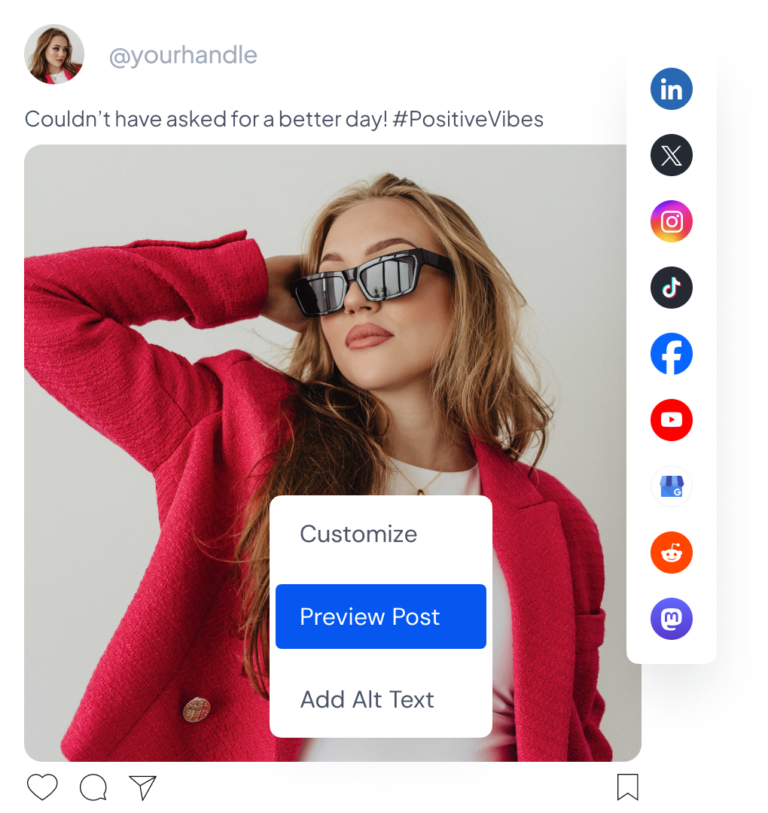
SocialBu is a social media management app that helps agencies, small teams, and owners plan, publish, respond, automate, and review results. It was founded by Umar Khan in 2019 and is bootstrapped with an 11 to 50 person team.
You connect Facebook, Instagram, TikTok, LinkedIn, X, YouTube, Reddit, Pinterest, Mastodon, Threads, Bluesky, and Google Business Profile. Then you schedule from a shared calendar instead of native apps. Feature depth varies by network and account type.
Key Features of SocialBu
Schedule and recycle posts across 12+ platforms
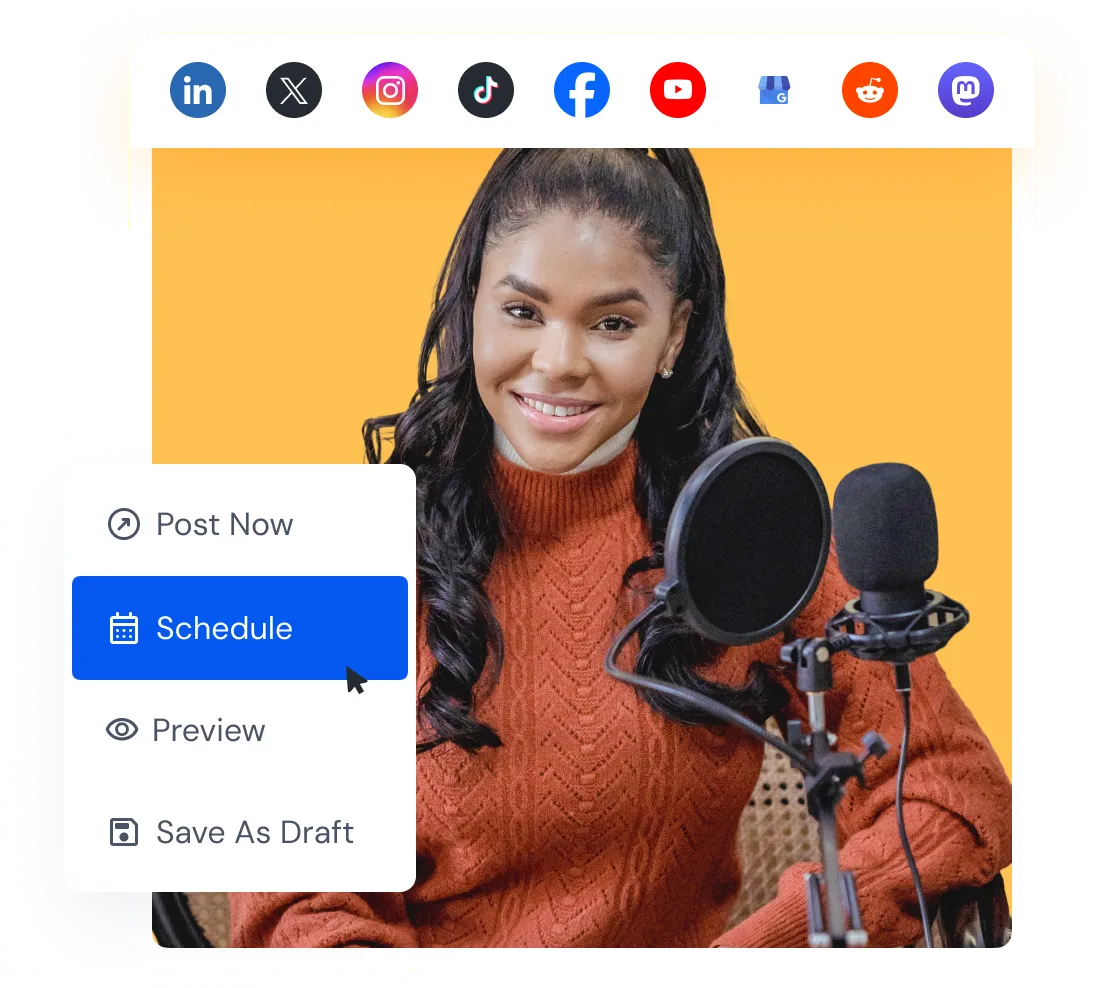
You compose once, then tailor captions, first comments, threads, Reels, and Stories per network. The drag-and-drop calendar shows the full pipeline, and evergreen recycling keeps winners live. This saves hours each week for busy managers.
- Bulk import via CSV to queue weeks of posts fast
- Custom queues keep each brand on a steady cadence
- Preview, hashtag suggestions, link shortener, and snippets
Multi-brand workspaces and team collaboration
You create separate workspaces per brand or client to keep assets and accounts clean. Roles and permissions control who sees what, plus notes and approvals keep reviews fast. Google Drive connects directly for images and video.
Social inbox, listening, and curation
Respond 2.0 brings supported messages, comments, mentions, and reviews into one shared inbox. Listen tracks keywords and conversations in your niche. Curate finds web content to share, with filters by topic, source, or keyword.
Analytics and one-click client reports
You track post, account, network, and team performance from one dashboard. Compare networks to see what drives engagement, then spot top posts and repeat the format. One-click reports turn raw data into client-ready proof in seconds.
Automations, AI writer, API, and MCP server
No-code workflows auto-post from RSS feeds, recycle evergreen, fire webhook actions, and send smart replies while you sleep. The AI writer drafts posts and captions before you schedule. Developers also get REST API and MCP access for agents like Claude. See my SocialBu features deep dive for limits by plan.
My Hands-On Experience with SocialBu
For this hands-on trial of the public demo and docs, I walked through setup, scheduling, queues, bulk import, analytics, and automation flows. Setup took minutes: connect accounts, create a workspace, set queues, then draft. The calendar and previews felt clear and fast.
What worked well: bulk CSV import queued test posts cleanly, recycling kept evergreen alive, and analytics filters made winners obvious. What fell short: Tier 1 has no automations, AI credits cap monthly output, and some inbox cases need reconnects. No speeds were measured.
User Interface and Ease of Use
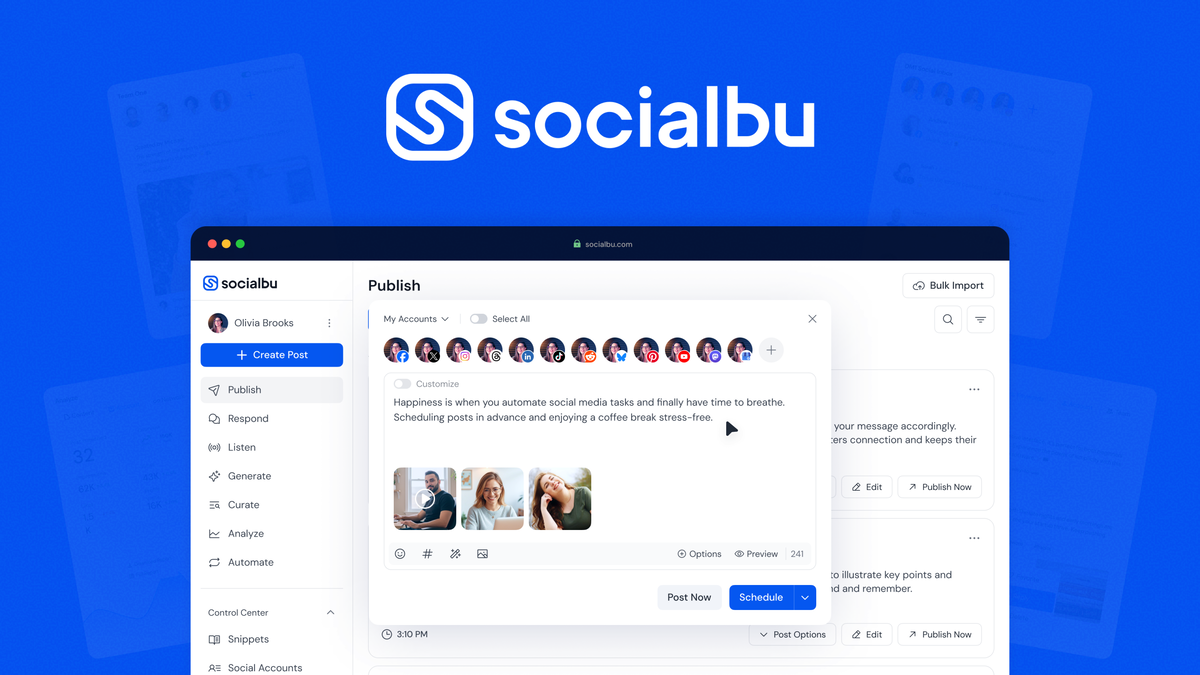
The interface is simple with Publish, Respond, Listen, Curate, Analyze, and Automate in one sidebar. Beginners can schedule in minutes, while agencies need about an hour to set workspaces and roles. AppSumo buyers praise ease of use, with minor workspace confusion noted. I expand on setup in my SocialBu review.
How to Use SocialBu
Follow these steps to launch your first week of scheduled posts without stress.
- Create your account and connect 2 to 3 social profiles first, then verify each connection shows as active before you draft anything.
- Create one workspace per brand, invite teammates with limited roles, and connect Google Drive so assets stay in one place.
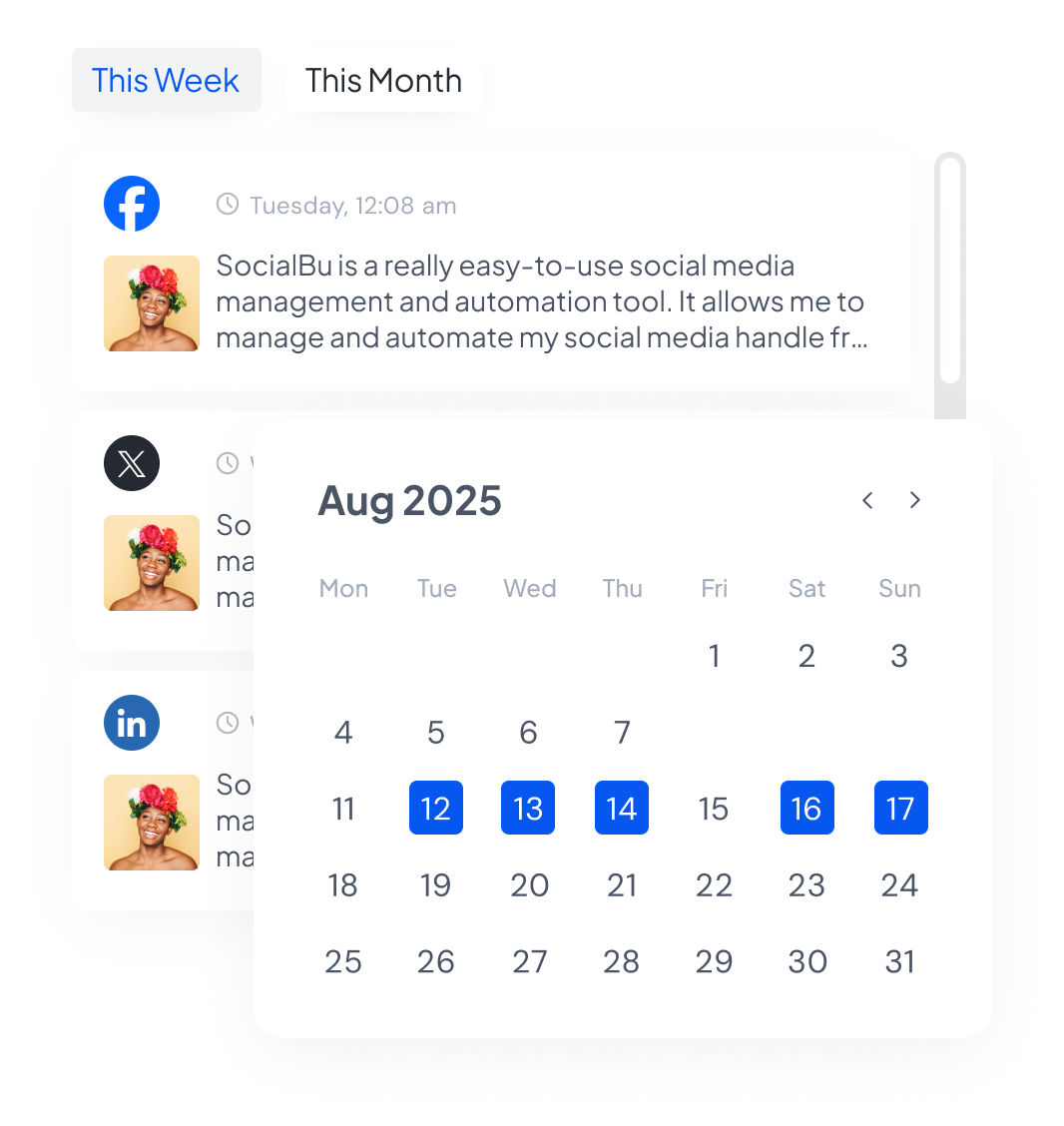
- Build custom queues for each network with days and times, then compose posts, tailor captions, add hashtags, preview, and assign to queues.
- Bulk import evergreen posts via CSV for recycling, turn on RSS or reply automations on Tier 2 or higher, then check Analyze after 7 days and repeat winners.
SocialBu Lifetime Deal Pricing
Pricing below comes only from the AppSumo LTD page. Regular prices come from socialbu.com for comparison. Check the deal page for current pricing because tiers can change.
| Tier | One-time | Accounts and Posts | AI, Teams, Automations |
|---|---|---|---|
| Tier 1 | $49 (was $190) | 10 accounts, 600 posts | 500 AI, 1 team, 0 automations |
| Tier 2 | $129 (was $590) | 25 accounts, 1,500 posts | 1,200 AI, 3 teams, 30 automations |
| Tier 3 | $279 (was $995) | 75 accounts, 5,000 posts | 2,400 AI, 10 teams, 150 automations |
| Tier 4 Plus | $499 (was $1,990) | 150 accounts, 12,000 posts | 5,800 AI, 10 teams, 150 automations |
Deal vs subscription math
Starter costs $29 per month or $261 per year. Tier 1 at $49 breaks even in under 3 months versus Starter. Growth costs $711 per year, so Tier 2 at $129 breaks even in about 2 months. Agency costs $1,791 per year, so Tier 3 pays back in weeks for active agencies.
What lifetime means and its risks
Lifetime means one payment for access as long as SocialBu operates, with AppSumo tiers honored. The risk is platform API changes, feature limits, or shutdown. The 60-day refund and active founder updates lower risk, but buy for current value only.
How to redeem and caps to know
Buy on AppSumo, get your codes, then redeem in SocialBu billing and stack to your tier. Redeem within the stated window and connect accounts early. Monthly caps apply to posts, AI credits, queues, teams, automations, plus inbox and Listen streams. Tier 4 grew to 150 accounts in September 2026. My is SocialBu worth it guide breaks down payback by tier.
Pros and Cons of SocialBu
- Manage 12+ platforms from one dashboard
- Bulk import and recycle evergreen content
- Multi-brand workspaces with team roles
- Built-in analytics with one-click reports
- Automations plus AI writer and MCP server
- One-time price replaces costly subscriptions
- Tier 1 includes zero automations
- AI writer credits are capped monthly
- Social inbox and Listen limits vary by tier
- Workspace setup has a learning curve
5 Alternatives to SocialBu
I picked tools buyers compare on G2 and SERPs for scheduling depth and price. See the full SocialBu alternatives compared guide. Each suits a different workflow.
1. Buffer
Buffer does best at simple scheduling with a clean composer. Key perks are channel queues, engagement basics, and a landing page. Pricing starts around $15 to $30 per channel monthly, so SocialBu wins on flat lifetime cost. Full math is in my SocialBu vs Buffer comparison. Pick Buffer if you want minimal setup for a few channels.
2. Hootsuite
Hootsuite does best at enterprise listening and ads. Key perks are streams, team workflows, and broad analytics. Pricing is much higher than SocialBu, often $99 plus monthly. Pick Hootsuite if you need deep listening at scale.
3. SocialPilot
SocialPilot does best as a mid-price agency scheduler. Key perks are bulk scheduling, client approvals, and white label reports. Pricing sits between Buffer and Hootsuite. Pick it if you want agency features without enterprise cost.
4. Later
Later does best at visual Instagram and TikTok planning. Key perks are visual calendar, link in bio, and media library. Pricing is subscription per social set. Pick Later if visual grids drive your growth.
5. Sprout Social
Sprout does best at analytics and CRM-style inbox. Key perks are smart inbox, review tracking, and premium reports. Pricing is premium per seat. Pick Sprout if reporting justifies high monthly spend. For more deal context, see my WarmySender lifetime deal breakdown.
Who Should Use SocialBu?
SocialBu fits solo creators posting to 5 to 10 accounts, small teams juggling clients, and agencies scaling to 150 accounts. You should skip it if you need only one network, want unlimited AI with no caps, or live in native analytics. If automations matter, start at Tier 2.
Final Verdict: Is the SocialBu Lifetime Deal Worth It?
Yes for most schedulers, with a 4.6 out of 5 hands-on trial score. Tier 1 at $49 beats Starter in 3 months, Tier 2 unlocks automations and inbox, and Tier 3 is the agency sweet spot. Buy if you schedule weekly and want one dashboard. Skip if caps feel tight.
SocialBu FAQs
Is the SocialBu lifetime deal still available?
Yes, the AppSumo page shows all four tiers live with lifetime access and a 60-day refund. Stock and pricing can change, so check the deal page for current pricing and availability before you buy.
What does each SocialBu tier include?
Tier 1 at $49 gives 10 accounts and 600 posts per month. Tier 2 at $129 gives 25 accounts and 1,500 posts plus automations. Tier 3 at $279 gives 75 accounts and 5,000 posts. Tier 4 at $499 gives 150 accounts and 12,000 posts.
Can I redeem SocialBu on an existing account?
AppSumo codes usually stack on new workspaces and many buyers redeem on existing accounts by adding codes. Check the deal terms and the founder Q and A on the AppSumo page for the current redemption rules.
Do AppSumo tiers map to SocialBu regular plans?
No, AppSumo tiers are separate lifetime plans with their own account, post, queue, AI credit, team, and automation limits. They do not map one to one to Starter, Growth, or Agency subscriptions.
Will AppSumo buyers get future updates?
The founder confirms lifetime access with ongoing limit increases, including recent post and AI credit bumps. Core publishing, analytics, and automation updates apply, while some future platform features may depend on plan limits.
What is the refund window for SocialBu?
You get 60 days to try SocialBu through AppSumo. Plus members are also covered by the We Got Your Back guarantee. If scheduling or limits do not fit, you can request a refund within that window.
Ready to stop tab-hopping? Grab SocialBu lifetime access here.