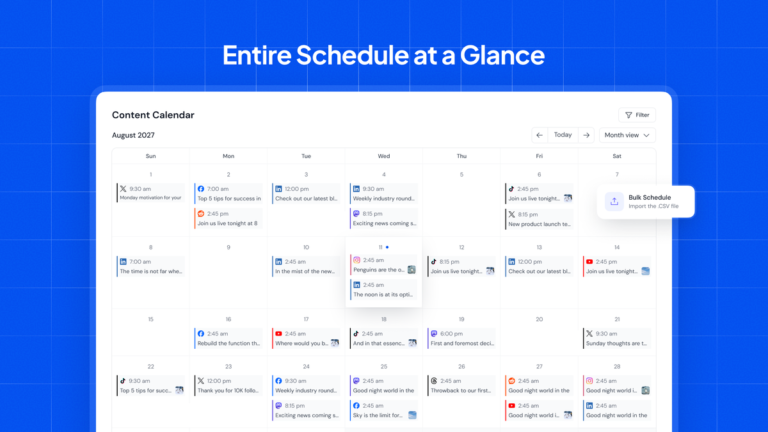
SocialBu Features: Everything You Get and Why It Matters
SocialBu
Wondering what SocialBu actually does beyond scheduling? I had the same gap, so I mapped every major module to its benefit, limit, and best plan.
In this hands-on trial walkthrough of SocialBu features, I covered Publish, Respond, Listen, Curate, Analyze, Automate, AI, Teams, and API using the public demo and docs. I noted what each module does best and where caps apply.
Quick verdict: Publish plus Analyze wins daily value on all plans, Respond plus Automate needs Tier 2 at $129 or higher, and Listen plus Teams pays off as clients grow.
This article will cover:
- Publishing, calendar, and bulk tools
- Inbox, listening, and curation
- Analytics, automations, AI, and teams
- API access, limits, plans, and best combos
- Verdict and FAQs
Match each feature to the cheapest tier that unlocks it — browse live SocialBu features and tiers to choose your plan.
Publish Everywhere From One Calendar
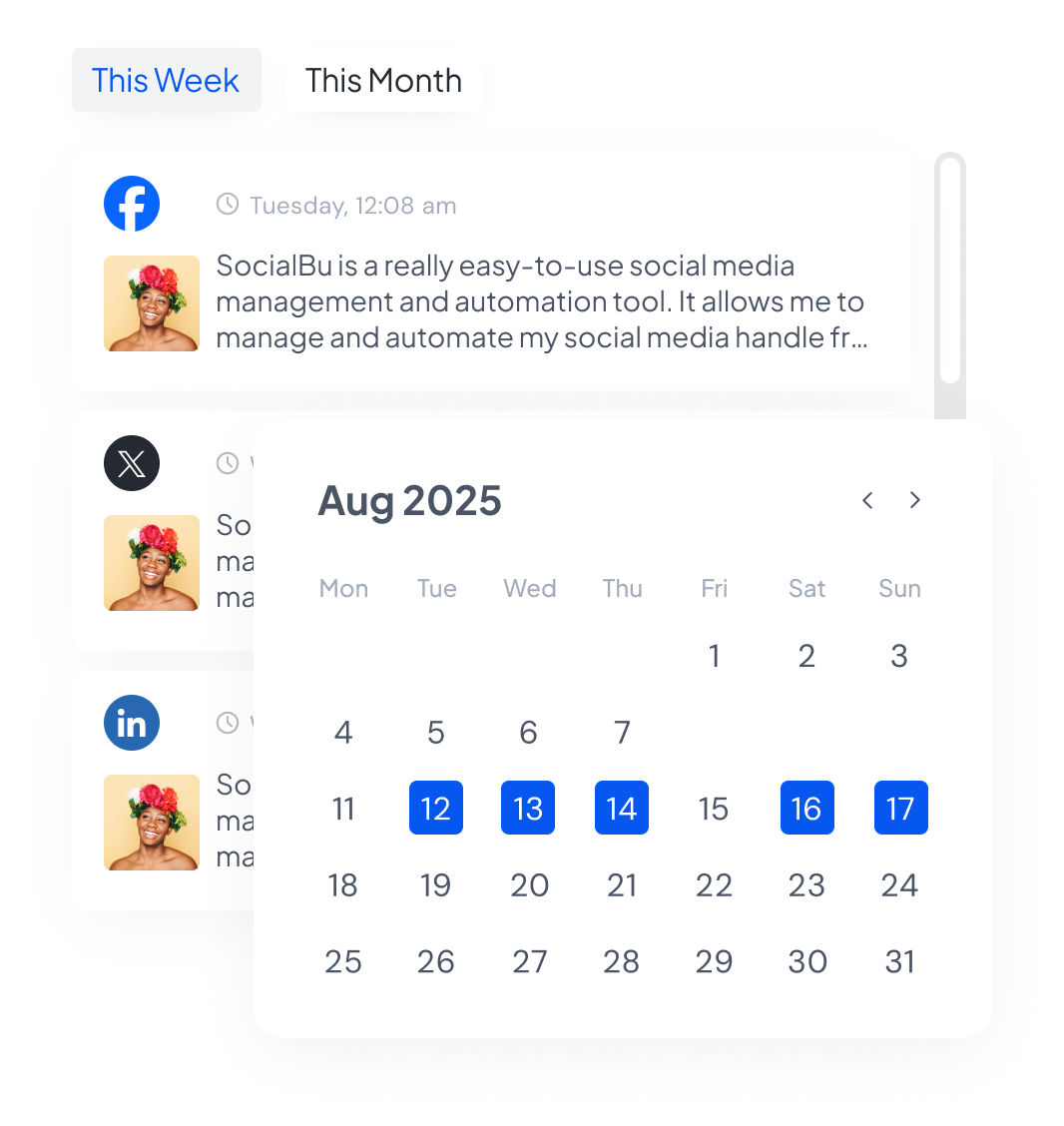
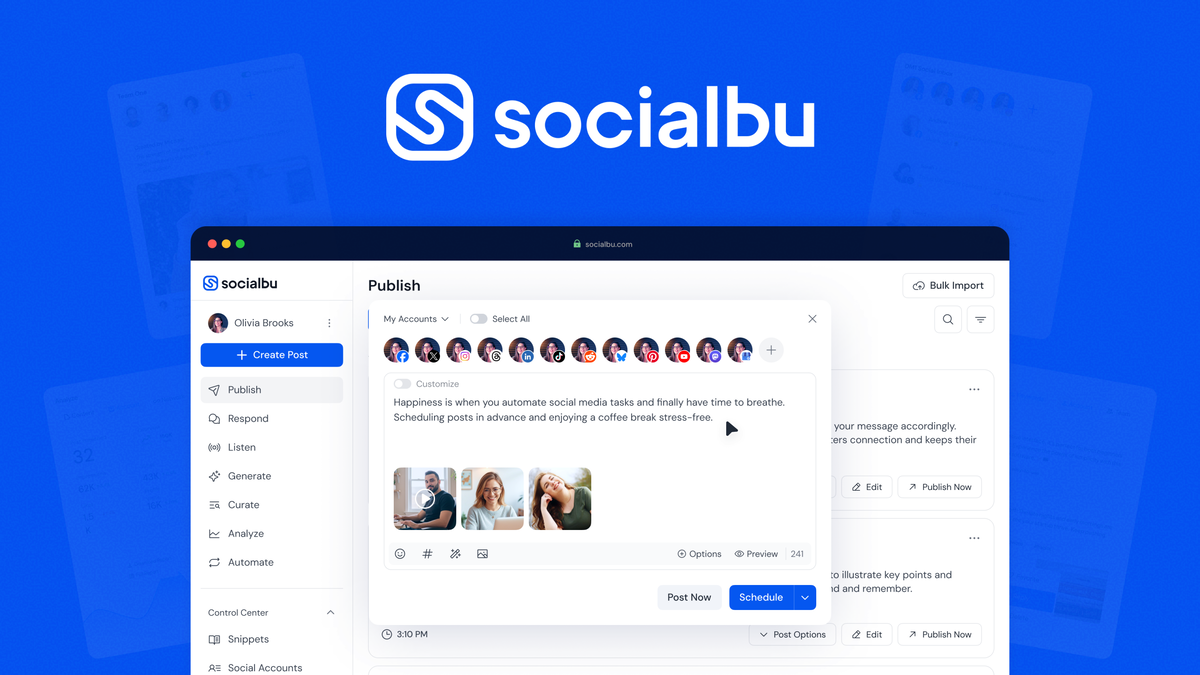
Publish lets you draft, tailor, preview, queue, recycle, and bulk import posts for 12 networks. Benefit: one afternoon of drafting fills weeks of feeds. Limit: format support follows each network API, so always preview Reels and Stories. Use case: a freelancer queues 30 posts for 5 clients in one sitting. Available on all plans, with higher post caps up the ladder.
- Custom queues, evergreen recycling, bulk CSV import, hashtag hints, link shortener, and snippets keep output steady.
Answer Faster With the Shared Respond Inbox
Respond pulls supported DMs, comments, mentions, and reviews into one team inbox. Benefit: no missed questions across 10 accounts. Limit: feeds and stream counts cap by plan, and some networks restrict thread history. Use case: a shop answers weekend comments Monday in one sweep. Needs Growth-tier or lifetime Tier 2-plus for real coverage.
Catch Trends With Listen and Curate
Listen tracks keywords and conversations, while Curate surfaces shareable web content by topic or source. Benefit: you join niche talks early and never stare at blank calendars. Limit: matched items per month cap at 5,000 to 20,000 on paid tiers. Use case: an agency spots a viral thread and drafts 3 response posts same day. Best on Growth and Agency or higher lifetime tiers.
Prove Growth With Analyze and Reports
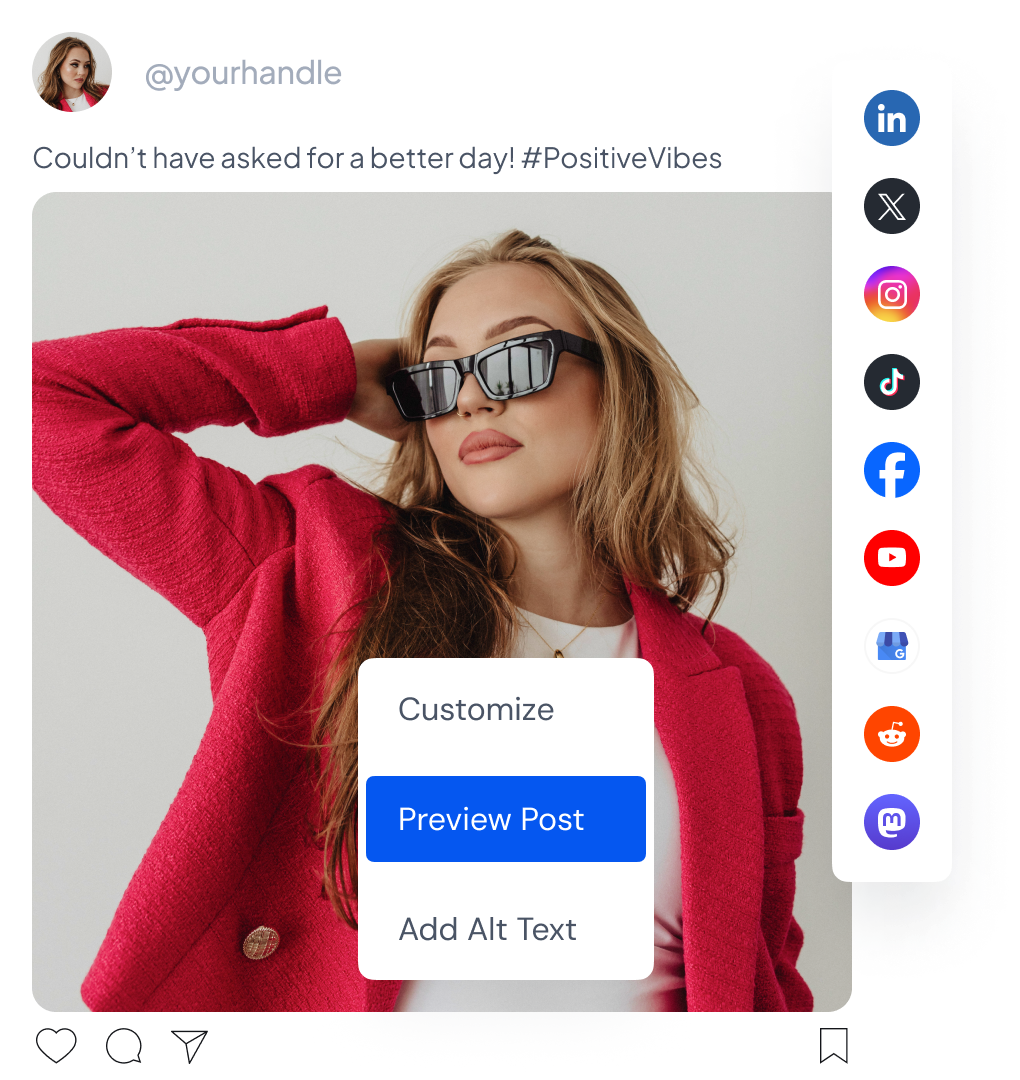
Analyze shows content, account, network, and team metrics with filters by type and period. Benefit: you learn which format and network to double down on. Limit: Starter has basic analytics, advanced views need higher plans. Use case: monthly one-click reports show clients that Reels beat carousels 2 to 1. Learn reuse tactics in my AI repurposing guide.
Put Posting on Autopilot With Automate
Automate runs RSS auto-posts, webhook flows, placeholders, and reply rules without code. Benefit: blogs publish themselves and FAQs answer while you sleep. Limit: executions cap at 5,000 to 20,000 monthly, and Tier 1 lifetime has zero automations. Use case: every new blog post becomes 3 scheduled social variants instantly. Needs Tier 2-plus lifetime or Growth-plus subscription.
Draft Faster With AI Writing Help
AI drafts short posts, X posts, LinkedIn posts, captions, video descriptions, and pin text. Benefit: first drafts in seconds, tuned per network. Limit: credits cap monthly, from 60 free to 10,000 Agency, and 500 to 5,800 on lifetime. Use case: turn one webinar takeaway into 5 native captions in minutes. Heavy AI users should pick higher tiers.
Run Clients Smoothly With Teams and Approvals
Teams add brand workspaces, member roles, notes, approvals, and Drive assets in one place. Benefit: clients approve fast without email chains. Limit: Starter has no teams, Growth has 5, Agency has 20, lifetime tiers range 1 to 10. Use case: an agency runs 8 brands with separate queues and approvers. See team workflow math.
Connect Agents With API and MCP Server
Developers get REST docs, OpenAPI specs, and an MCP endpoint at socialbu.com/mcp for assistants like Claude. Benefit: agents can draft, schedule, or report with permission. Limit: access and rate limits follow plan tiers. Use case: nightly agent summarizes top posts and queues follow-ups. Best for technical teams on Growth-plus or higher lifetime tiers.
Feature Limits by Plan at a Glance
| Module | Starter | Growth | LTD Tier 2-plus |
|---|---|---|---|
| Posts monthly | 750 | 3,000 | 1,500 to 12,000 |
| Accounts | 8 | 20 | 25 to 150 |
| AI credits | 500 | 2,000 | 1,200 to 5,800 |
| Automations | None listed | 5,000 runs | 30 to 150 rules |
| Teams | None | 5 | 3 to 10 |
Which Feature Combo Fits You?
Solo creator: Publish plus Analyze on Free or Starter covers basics. Growing team: add Respond plus Automate on Growth or lifetime Tier 2. Agency: add Listen plus Teams plus API on Agency or lifetime Tier 3. If you only need queues, skip listening and save money.
Final Take: Do the Features Justify It?
Yes for teams that publish weekly. Publishing plus recycling saves drafting days, inbox plus automations save reply hours, and reports prove ROI. Caps are fair if you match tier to volume. Check which SocialBu tier fits your volume.
SocialBu FAQs
Does SocialBu include AI content writing?
Yes, the AI writer drafts short posts, captions, and descriptions per network. Credits range from 60 on free to 10,000 on Agency, and 500 to 5,800 monthly on lifetime tiers.
Can SocialBu recycle evergreen posts automatically?
Yes, custom queues recycle winners on a schedule you set. Pair recycling with bulk CSV import to keep feeds active without daily drafting.
Does SocialBu have a shared social inbox?
Yes, Respond gathers supported messages, comments, mentions, and reviews. Inbox feeds and streams depend on your plan, with higher tiers unlocking more coverage.
Which networks work with SocialBu automations?
Automations cover RSS posting, webhook flows, and reply rules where each network API allows. Core scheduling spans 12 networks, while inbox and listening depth varies by platform.
Do developers get API and MCP access?
Yes, SocialBu offers REST docs, OpenAPI specs, and an MCP endpoint for assistants like Claude. API and MCP availability depends on plan, so check pricing before building.
Ready for full context? Read my SocialBu lifetime deal guide, then get SocialBu here.